.svg "English")
.svg "Deutsch")
When we talk about the Iris Shaders Mod, we’re looking at a shader loader that completely changed how Minecraft players experience graphics. This open-source mod lets you run shader packs smoothly without turning your computer into a furnace.
What Does Iris Shaders Bring to Minecraft?
Iris is basically the bridge between Minecraft and those gorgeous shader packs you see everywhere online. Think of shader packs as artists and Iris as the gallery that displays their work. Without a loader like Iris, those beautiful graphics simply won’t show up in your game.
The creator built Iris because OptiFine had some serious limitations. It couldn’t work with Sodium (the best performance mod out there), caused conflicts with tons of popular mods, and nobody could fix bugs or add features because the code was locked down. GLSL ShadersMod was the other option, but it stopped getting updates after Minecraft 1.12. Players needed something better, and that’s exactly what Iris delivered.
Works With Pretty Much Every Shader Pack
Here’s what makes Iris really useful: almost every shader pack made for OptiFine works perfectly without any tweaking. BSL Shaders, Complementary Reimagined Shaders, SEUS Renewed, Sildur’s Shaders… just download them, drop them in your shader folder, and they work. We’re talking about thousands of different shader packs built by the community over many years.
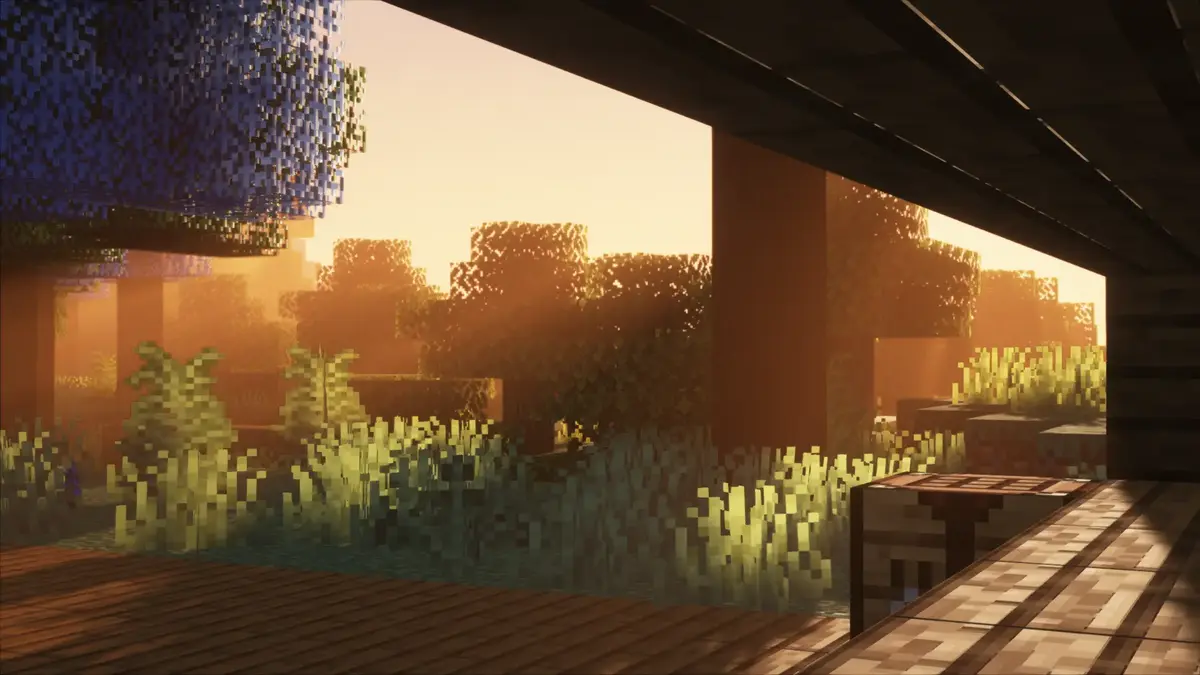
You’re not stuck with just a few choices either. Want realistic lighting that makes sunsets look incredible? There’s a pack for that. Prefer a fantasy style with vibrant colors? Yep, that exists too. Need something lightweight that won’t kill your FPS? Plenty of those are available. The variety is genuinely amazing, and Iris handles all of them.
Performance You Can Actually Feel
Pairing Iris with Sodium and Lithium gives you performance that honestly surprised us the first time we tried it. Players regularly report hitting over 100 FPS with active shader packs, even on computers that are several years old. Sometimes Iris, Sodium and Lithium together actually run smoother than vanilla Minecraft with no mods at all.
Iris uses clever tricks like Shadow Frustum Culling to reduce the performance cost of shadows. Shadows usually destroy your framerate in shader packs, but Iris cuts down that overhead significantly. The mod also speeds up how Minecraft renders things like chests, animals, and item frames. This optimization works even when shaders are turned off, potentially boosting your vanilla game performance by 60 percent in worlds with lots of entities.
Shadow rendering specifically sees huge improvements. Places that used to lag terribly with shaders now run surprisingly smooth. You can actually play the game with shaders active instead of just turning them on for screenshots and then immediately disabling them because the lag gets annoying.
Actually Works With Your Other Mods
Iris was built specifically to avoid the compatibility nightmares that OptiFine caused. Running a big modpack with 50, 100, or even 200 mods? Iris handles it without breaking things. This matters a lot because many players want both beautiful graphics and new content mods at the same time.
When you’re exploring the unique biomes from Biomes O Plenty or using any other content expansion, Iris renders everything correctly. The shader packs don’t mess up modded blocks, don’t cause weird lighting glitches on custom entities, and don’t interfere with how gameplay mechanics work. Everything just functions properly together.
Super Easy To Install
Installing Iris is way simpler than you might expect. The official Iris Installer does basically everything for you. You pick your Minecraft version, choose between Fabric or NeoForge (depending on your preference), click the install button, and it automatically sets up both Iris and Sodium together. The whole process takes maybe two or three minutes from start to finish.
Managing your shader packs after installation is equally straightforward. You get a clean interface in your video settings menu where all your installed packs show up. Adding a new shader pack? Just drag the ZIP file directly into your Minecraft window. Or click the button to open your shaderpacks folder and drop files in there. Hit the refresh button and boom, your new pack appears in the list instantly.
Each shader pack comes with its own settings menu built right into the game interface. You can tweak performance options, turn specific effects on or off, adjust colors, change shadow quality, and fine-tune dozens of other visual settings without ever touching a config file. The menus work similarly to OptiFine’s shader settings, so anyone switching from OptiFine will feel right at home immediately.
Open Source Makes Everything Better
Iris being completely open-source on GitHub creates some real advantages. Anyone can look at the code, understand how it works, report bugs they find, or even contribute improvements themselves. This transparency means updates arrive fast when new Minecraft versions come out. OptiFine might take weeks or even months to update, but Iris usually has a working version ready within just a few days.
This community-driven approach also means problems get noticed and fixed faster. If a popular shader pack has issues with a specific Iris version, players report it, developers investigate, and a fix usually arrives in the next update. With closed-source software, you’re just waiting and hoping problems eventually get addressed.
Summary
Iris supports Fabric, Quilt, and NeoForge, which gives you real flexibility in how you set up your modded Minecraft. Some players prefer Fabric for its lightweight approach and fast updates. Others like NeoForge for its broader mod compatibility. Iris works great on all of them, so you’re not locked into one ecosystem.
The shift from OptiFine to Iris keeps growing because the benefits are obvious once you try it. Better framerates with shaders enabled, zero conflicts with Sodium and other performance mods, and the ability to run huge modpacks without random crashes. Most players who switch to Iris don’t bother going back to OptiFine.
In builds with tons of entities (like farms or decorative areas) or while exploring varied terrain, the improved shadow rendering keeps everything smooth. Areas that previously became slideshow-level slow with shaders now maintain playable framerates. This fundamental difference means you can leave shaders on all the time instead of treating them as a screenshot tool.
The Iris plus Sodium combination has basically become the standard recommendation throughout the Minecraft community. When someone asks in forums or Discord servers about running shaders with good performance, the answer is almost always the same: install Iris and Sodium together. It stopped being just an alternative to OptiFine and became the preferred solution for players who want both visual improvements and smooth gameplay. For anyone serious about using shader packs in Minecraft, especially if you’re running other mods at the same time, Iris represents the best option available right now.
Iris Shaders Mod – Video & Screenshots
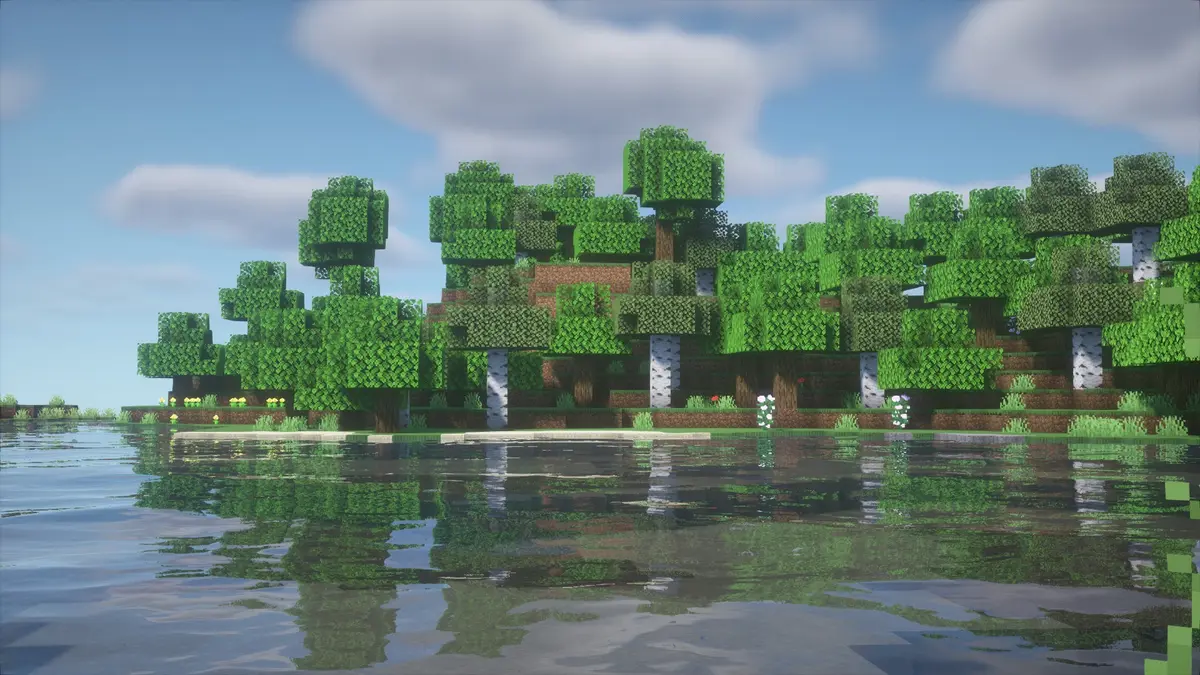
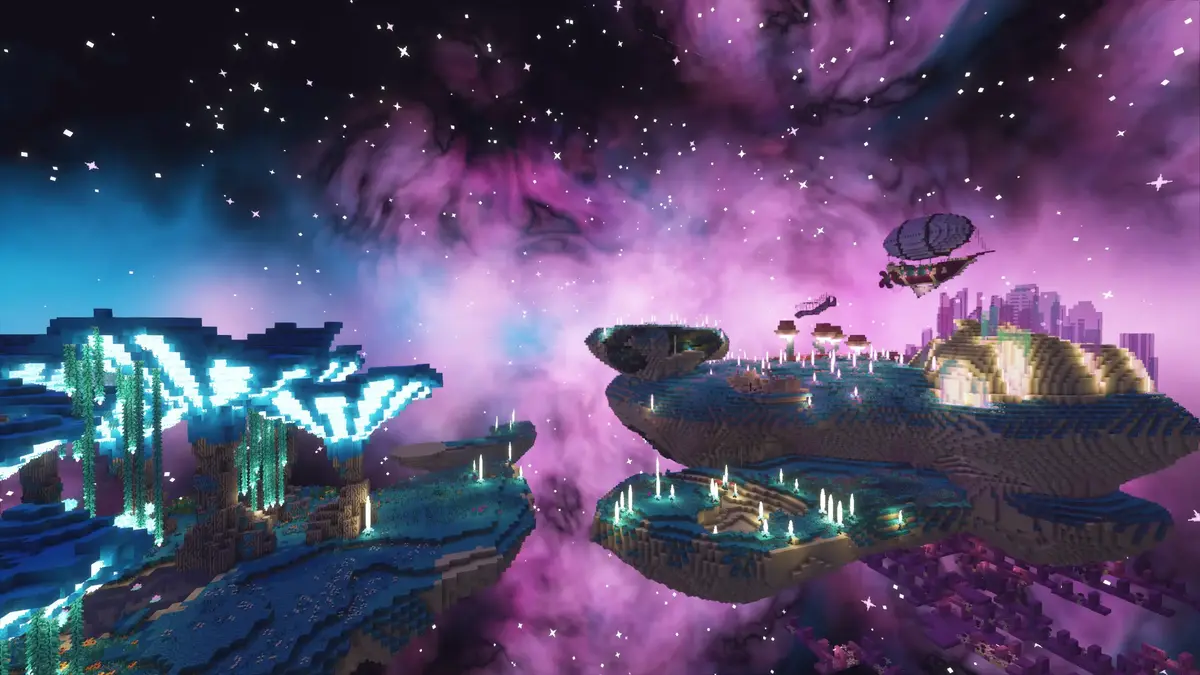
Iris Shaders Download
Download Iris Shaders Mod
Iris for Fabric and Quilt
[26.2.x] Download Iris Shaders Standalone
[26.1.x] Download Iris Shaders Standalone
[1.21.11] Download Iris Shaders Standalone
[1.21.10 – 1.21.9] Download Iris Shaders Standalone
[1.21.8 – 1.21.6] Download Iris Shaders Standalone
[1.21.5] Download Iris Shaders Standalone
[1.21.4] Download Iris Shaders Standalone
[1.21.3 – 1.21.2] Download Iris Shaders Standalone
[1.21.1 – 1.21] Download Iris Shaders Standalone
[1.20.6] Download Iris Shaders Standalone
[1.20.5] Download Iris Shaders Standalone
[1.20.4] Download Iris Shaders Standalone
[1.20.3] Download Iris Shaders Standalone
[1.20.2] Download Iris Shaders Standalone
[1.20.1] Download Iris Shaders Standalone
[1.20] Download Iris Shaders Standalone
[1.19.4] Download Iris Shaders Standalone
[1.19.3] Download Iris Shaders Standalone
[1.19.2] Download Iris Shaders Standalone
[1.18.2] Download Iris Shaders Standalone
[1.17.1] Download Iris Shaders Standalone
[1.16.5] Download Iris Shaders Standalone
Iris for NeoForge
[26.2.x] Download Iris Shaders NeoForge
[26.1.x] Download Iris Shaders NeoForge
[1.21.11] Download Iris Shaders NeoForge
[1.21.10] Download Iris Shaders NeoForge
[1.21.8 – 1.21.6] Download Iris Shaders NeoForge
[1.21.5] Download Iris Shaders NeoForge
[1.21.4] Download Iris Shaders NeoForge
[1.21.3 – 1.21.2] Download Iris Shaders NeoForge
[1.21.1] Download Iris Shaders NeoForge
[1.21] Download Iris Shaders NeoForge